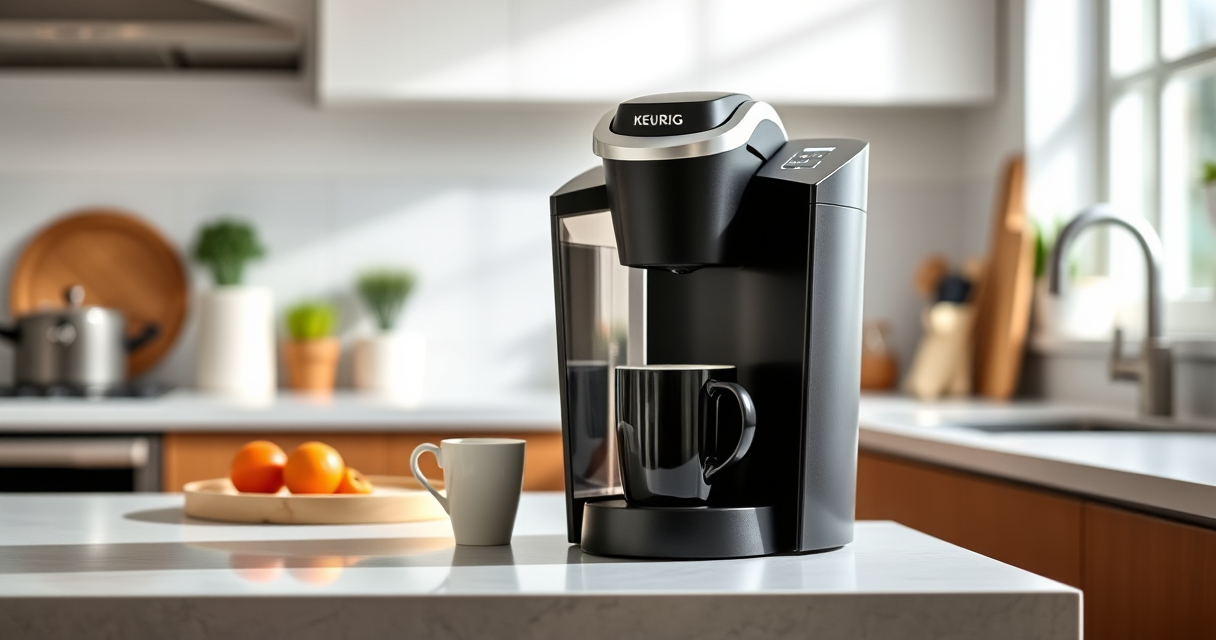

If your Keurig K-Mini Single Serve Coffee Maker isn’t turning on, it can be frustrating. Before calling for service, try these straightforward troubleshooting steps to resolve common power issues. Ensuring your device is properly connected and free of blockages can often restore functionality without professional help.

Get coffee and tea gear delivered free with Prime
- Fast, free delivery on millions of items
- Prime Video, Amazon Music and more included
- Member-only deals all year
Follow this step-by-step guide to diagnose and fix the problem safely and effectively, so you can enjoy your favorite brew again in no time.
Key Takeaways
| Check Power Connection | Ensure the coffee maker is plugged in securely. |
| Inspect Power Outlet | Test the outlet with another device. |
| Reset the Machine | Unplug, wait 30 seconds, then plug back in. |
| Examine the Power Button | Press firmly and check for physical damage. |
| Look for Internal Issues | Verify if the cord or internal components are damaged. |
Step 1: Confirm Power Connection
- Make sure the Keurig K-Mini is plugged into a working power outlet.
- Check that the plug is inserted fully and securely.
Step 2: Test the Power Outlet
Plug another device, such as a lamp or phone charger, into the same outlet to verify it has power. If it doesn’t work, try a different outlet.
Step 3: Reset the Coffee Maker
- Unplug the Keurig K-Mini from the power source.
- Wait at least 30 seconds to allow internal components to reset.
- Plug the machine back in and attempt to turn it on.
Step 4: Inspect the Power Button and Cord
Press the power button firmly. Look for any visible damage to the button or cord. Do not force or twist damaged cords.
Step 5: Check for Internal Damage or Blockages
If the machine still doesn’t turn on, carefully inspect the power cord for frays or damage. Avoid opening the device yourself; consider professional repair if needed.
The Products in This Guide

Keurig K-Mini Single Serve K-Cup Pod Coffee Maker
- ✔ Width: Less than 5 inches
- ✔ Brew Sizes: 6-12oz
- ✔ Auto Off: Yes

My K-Cup® Reusable Coffee Filter
- ✔ Material: BPA-free plastic
- ✔ Capacity: Single cup
- ✔ Compatibility: Multiple Keurig models
Keurig K-Mini Single Serve K-Cup Pod Coffee Maker
The Keurig K-Mini Single Serve Coffee Maker is a popular choice for those with limited space. Its compact design and simple operation make it easy to troubleshoot and fix common power issues. Regular maintenance can help prevent problems and extend its lifespan.
Pros:
- Fits small spaces easily
- Brews quickly between 6-12oz
- Removable drip tray for easy cleaning
- Auto off for energy saving
Cons:
- Limited to single cup brewing
- No on/off switch, relies on power button
- May require descaling for optimal performance
Best for: Small kitchens, offices, dorm rooms
Not ideal for: Users needing larger capacity or advanced features
Bottom line: A reliable, space-saving coffee maker suitable for quick brews and small spaces.
My K-Cup® Reusable Coffee Filter
The My K-Cup® Reusable Coffee Filter allows you to brew your own ground coffee with your Keurig, providing flexibility and cost savings. Compatible with the K-Mini and other models, it’s a handy addition for those who prefer fresh grounds.
Pros:
- Use your own ground coffee
- Cost-effective and eco-friendly
- Easy to clean and reuse
- Compatible with multiple Keurig models
Cons:
- Requires filling and cleaning after each use
- May take slightly longer to brew
- Not suitable for K-Cup pods
Best for: Ground coffee enthusiasts, eco-conscious users
Not ideal for: Those preferring single-use pods or quick brewing
Bottom line: An excellent reusable filter for customizing your coffee experience.
Frequently Asked Questions
Why won’t my Keurig K-Mini turn on?
Common reasons include a loose power connection, a faulty outlet, or internal electrical issues. Follow the troubleshooting steps to identify the cause.
How do I reset my Keurig K-Mini?
Unplug the unit, wait 30 seconds, then plug it back in. Ensure the power button is pressed firmly to turn it on.
My machine still won’t turn on after troubleshooting. What should I do?
If basic troubleshooting fails, inspect the power cord for damage. Consider contacting Keurig customer service or professional repair.
Can I use my own ground coffee with the Keurig?
Yes, with the My K-Cup® Reusable Coffee Filter, you can brew your favorite ground coffee instead of pods.
Power Up Your Brew Again with These Tips
Dealing with a Keurig that won’t turn on can be annoying, but most issues are simple to fix with basic troubleshooting. Always start by checking your power source and connections. If problems persist, consider replacing worn components or using the recommended maintenance products to keep your machine in top shape. Soon, you’ll be back to enjoying your favorite coffee with minimal hassle.
Affiliate disclosure: As an Amazon Associate we earn from qualifying purchases. Prices and availability are accurate as of the time of publishing.
Columbus Day / Indigenous Peoples' Day Picks
long weekend sales
As an affiliate, we earn on qualifying purchases.